One shape at a time.
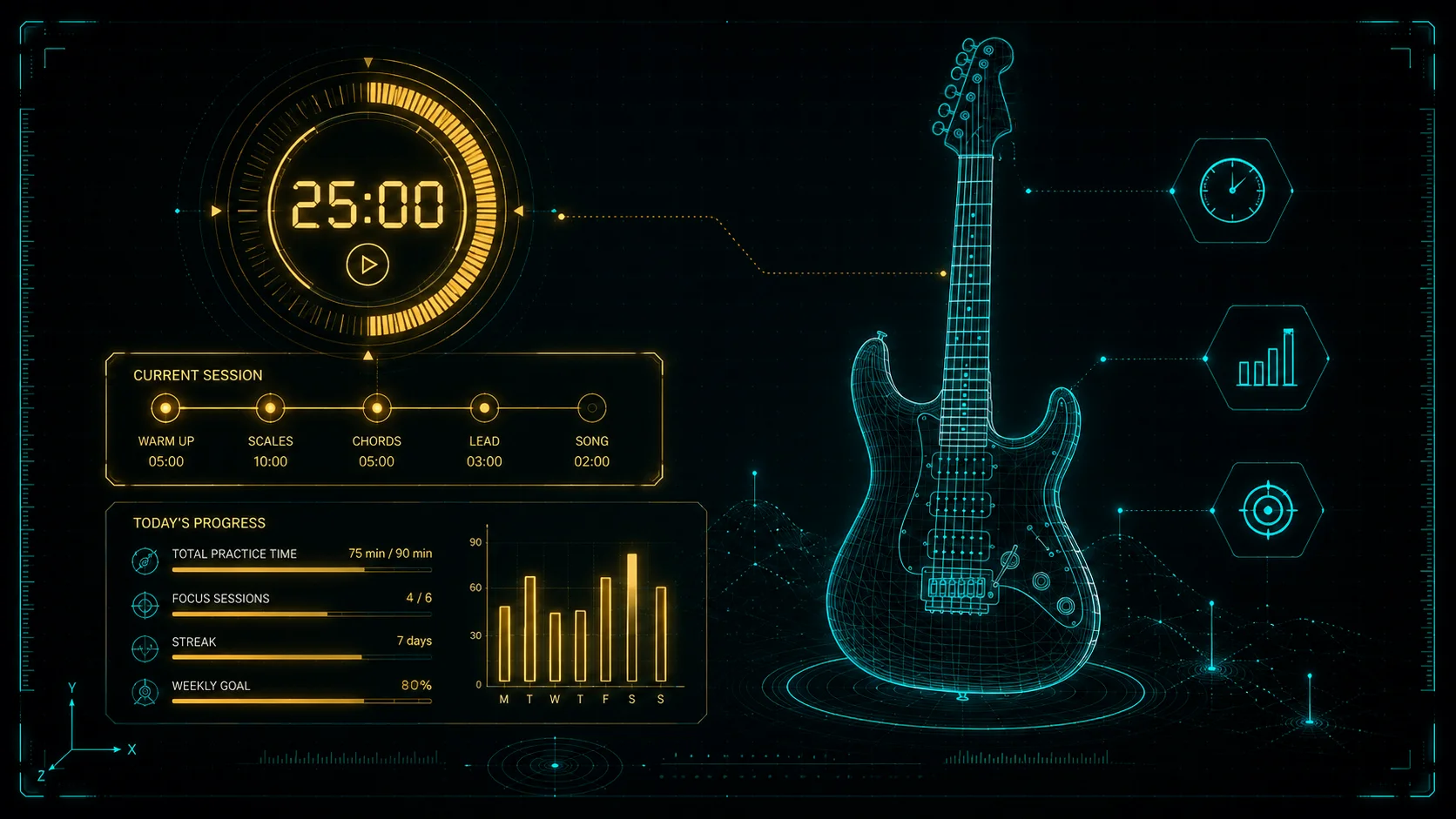
Build a routine, give each shape its own tempo, and keep your eyes on the one thing in front of you — with the rest lined up on deck so you always know where you are.
Queue an exercise to begin.
Select a routine or browse the library.
Confirm
Practice questions, answered
What is the Practice Hub?
It is a place to organize and run your guitar practice. You put in what you are working on, give it a category and a tempo, and the Hub keeps it in order and remembers where you left off. It also comes with a large set of ready-made exercises and five practice tools, if you want them.
Do I need an account?
No. There is no sign-up, no login and no email, and it is free. Open the page and start.
Where is my practice saved?
In your browser, on your own machine. Nothing is uploaded anywhere. That keeps it private, and it also means it is worth exporting a backup now and then — see the last section.
What is the difference between an exercise and a method?
An exercise is what you are practicing — “Major Triads”, “Blackbird”. A method is how — the E shape, the intro, alternate picking only. One exercise usually holds several methods, and each method carries its own tempo.
Can I add my own exercises, or only the ones that come with it?
Your own, absolutely — that is the main point of the Hub. Pick Exercise, Technique, Repertoire or Other when you create one, and it holds anything you like. A routine can mix your own work with the built-in material in any order.
Can I write my own methods?
Yes. Alongside the ready-made ones there is a text field that takes anything you type — “Eyes closed”, “All downstrokes”, “Bars 17 to 32”. Most exercises end up a mix of both.
Can I set a different tempo for each shape?
Yes. Every method carries its own BPM and its own goal tempo, so you do not have to remember that one lives at 100 and another at 80. Switch between them and the tempo comes along.
What is the on-deck strip?
It shows every method in the current exercise in a row, with the one you are working on marked. The rest sit on deck so you always know what is coming. Tap any of them to jump straight there.
What does guided practice do?
You set a total time and the Hub divides it across the routine, either equally or however you choose. When a slice runs out it moves you along, which is what stops you spending the whole session on the fun part.
Can I stop it from moving me on?
Yes. Turn auto-advance off on the method card or in Preferences, or use the loop button to restart the current slice instead of advancing.
What is the daily key?
The Hub picks a key each day from your key pool and rotates it, so you are not always practicing in the same place on the neck. You can change it any time with the − and + buttons, and every board on screen follows.
Why did the metronome not start?
On the interval drills and the ear-training work it stays quiet on purpose — a click makes it harder to hear what you are trying to hear. You can still switch it on. If it is quiet everywhere, check whether the click is set to manual in Preferences.
What tools are built in?
Five: scale and arpeggio boards, the CAGED Navigator, the Interval Finder, interval drills, and the Fretboard Note Finder — plus ear training. Pick one under “Choose what to practice” and it appears on the stage.
Do I have to use them?
Not at all. The Hub works perfectly well holding nothing but your own exercises. The tools are there for when you want something new to work on.
How many scales and chords are there?
31 scales, modes and arpeggios, and 20 chord qualities in the CAGED Navigator — each with several ways to practice it, from full-fretboard maps down to individual shapes and string sets.
Where is Pitch Match?
On the Ear Trainer’s own page. It needs microphone access, which is a bigger interruption than made sense in the middle of a session.
Can I practice songs, not just exercises?
Yes. Songs live in your repertoire and behave like anything else you practice — you build methods on them the same way, so the tricky bridge can carry its own tempo.
Can I load my own backing tracks?
Yes — audio files, video files, YouTube links, PDFs and images all attach to an exercise. The backing-track player in the sidebar keeps playing even as you move between exercises.
Can I slow a track down and loop one part of it?
Yes. The player goes from 50% to 100% in steps and holds the pitch steady, and you can drag two markers on the waveform to loop just the bit you keep getting wrong. Your section, speed and loop setting are remembered for that file.
What is Intelligent Practice?
It picks songs from your repertoire based on what needs the work rather than what is next in the list. Songs you are shaky on come first, but a polished piece you have not touched in a month climbs the list too, so nothing quietly rots.
Could I lose my practice?
Yes, if you clear your browsing data — everything lives in your browser. That is what keeps it private and account-free, and it is why the export button is worth using.
How do I back it up?
Press Backup in the header. Export data gives you one file with all your routines, exercises, repertoire and history. Export bundle gives you that plus the list of every media file your setup expects — use it if you have anything attached, and especially before moving to another machine.
How do I move it to another computer?
Use Export bundle if you have any backing tracks, PDFs or other files attached — it packs the data together with the list of files that go with it. Export data on its own is fine if your practice is all exercises and routines with no media. On the new machine use Import Backup or Restore bundle, which replaces whatever is there with your saved copy — exactly what you want on a machine you have not practiced on yet.
Can I load a routine from a file without losing my own practice?
Yes — use Add from a file rather than Import. It adds the exercises, routines and songs that are not already here and leaves everything else exactly as it is, including your history and any tempos you have changed. Import and Restore are the other way round: they replace everything with the contents of the file, which is what you want when you are recovering a backup, not when you are borrowing a routine.
My backing tracks and PDFs are missing after restoring. Why?
The Hub points at your files, it does not store copies of them, so on a new machine it knows a track is called for but cannot find it yet. The Backup tab lists exactly what is missing, and Re-link folder reconnects them in one go. Keeping all the files the Hub uses in one folder makes that a single step.